

NUX NAI-5 Optima Air Acoustic Simulator & IR Loader
NUX Optima Air is a dual-switch acoustic guitar simulator with a preamp for acoustic and electric guitar players. It simulates the acoustic guitar profiles with the best-optimized sound depending on your guitar and pickup type
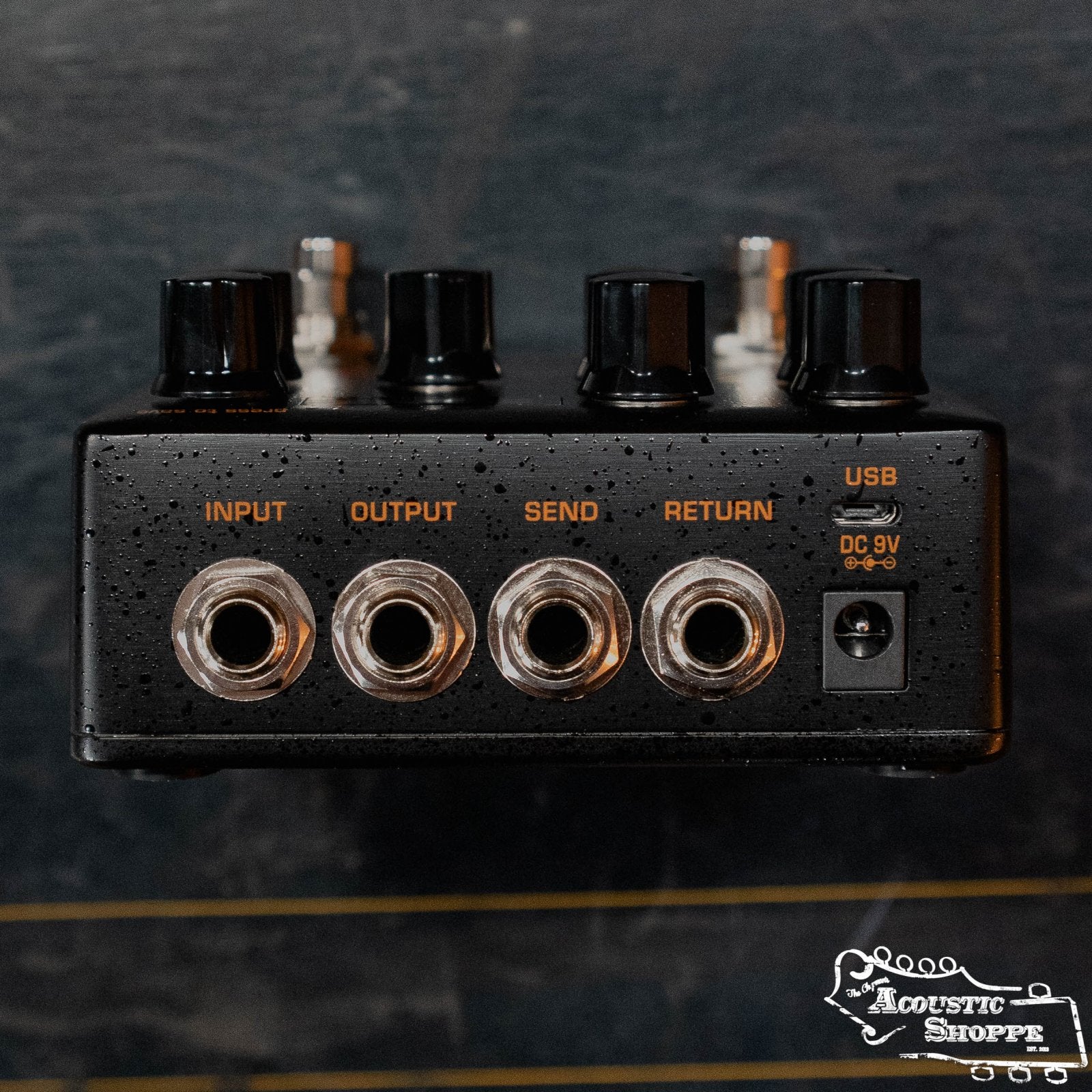
IR loader combined with a preamp which is equipped with 3-band EQ and Gain controls. And there is an additional one-knob-control Reverb effect. If you want to connect any effect pedal you can use the SEND/RETURN effect loop and add the Optima Air into the signal chain.
NUX Optima Air has a unique profile capture function, you can create your own acoustic guitar profile (IR file) by capturing your favorite acoustic guitar's sound.
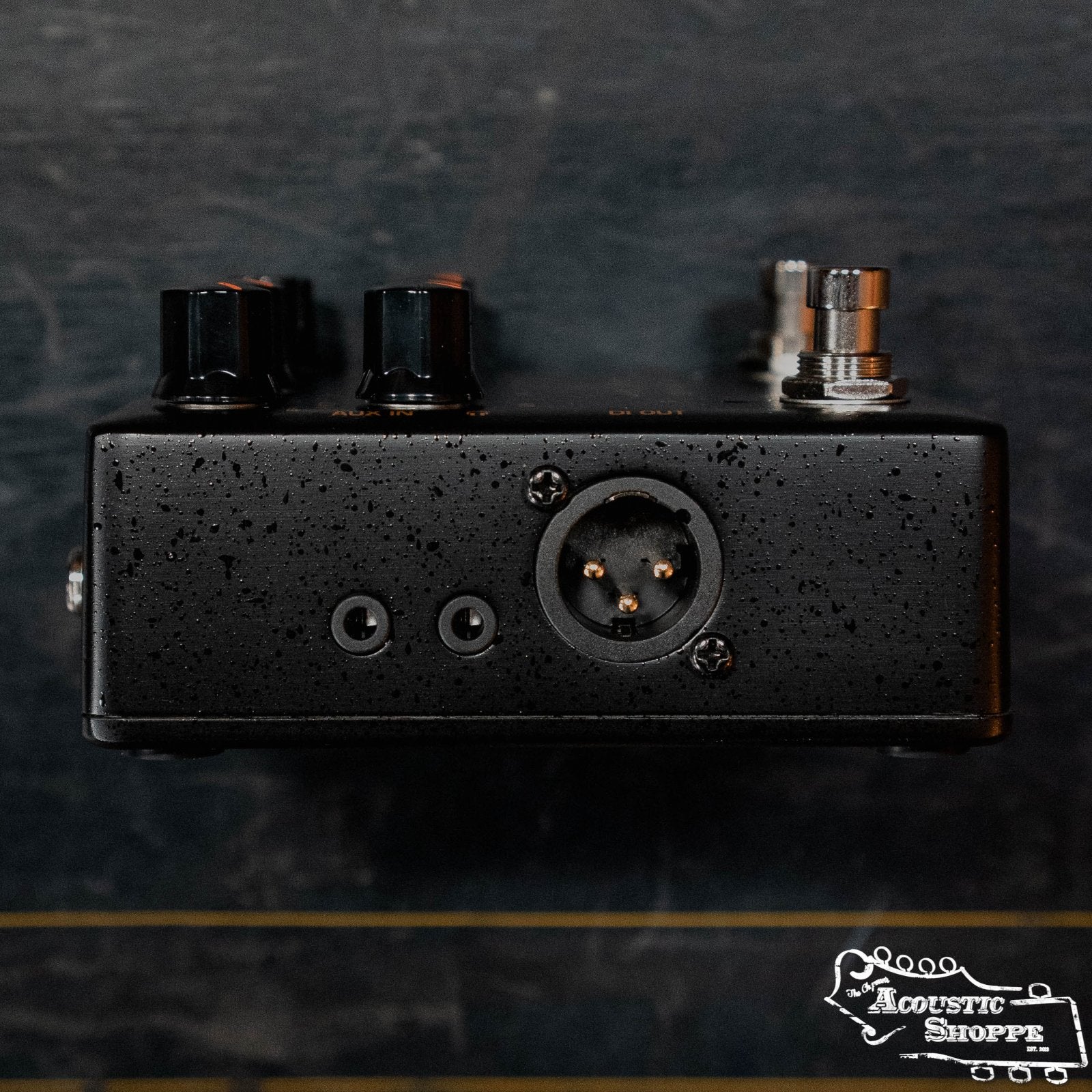
There is an XLR DI output for direct line/mixer connection, headphones output for silent play ad auxiliary input to connect a music player to play along.
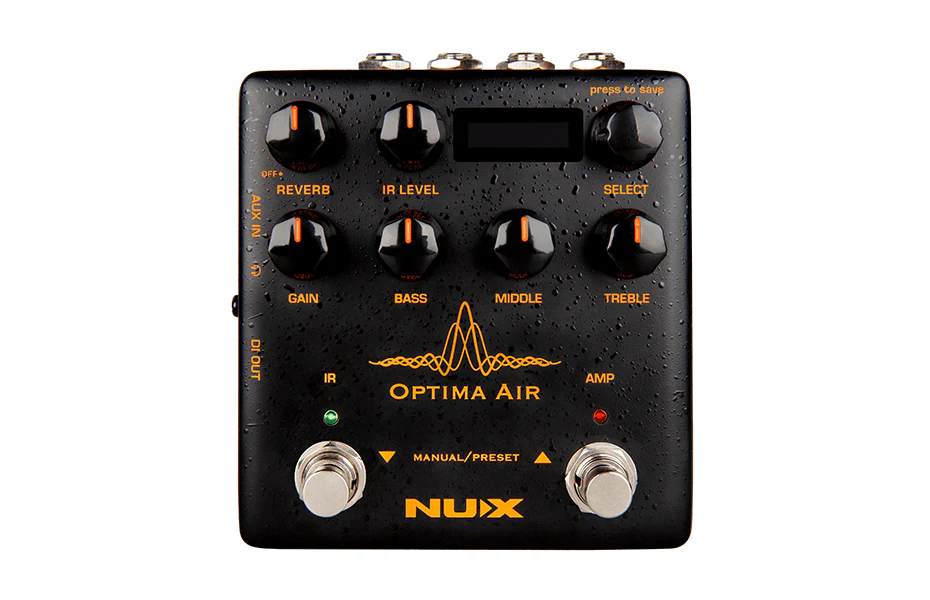
Reverb: One Knob Reverb effect control. It adjusts the Dry/Wet and Decay parameters. Or you can turn it OFF by tweaking to 0
IR Level: Adjusts the simulated signal (Impulse Response file) LEVEL
Select (Push to Save): In manual mode, you can choose the IR file. And you can save your customized preset by pushing the knob
Gain: Adjusts the signal input Gain level
3-Band EQ:<
Original: $189.00
-70%$189.00
$56.70Product Information
Product Information
Shipping & Returns
Shipping & Returns
Description
NUX Optima Air is a dual-switch acoustic guitar simulator with a preamp for acoustic and electric guitar players. It simulates the acoustic guitar profiles with the best-optimized sound depending on your guitar and pickup type
IR loader combined with a preamp which is equipped with 3-band EQ and Gain controls. And there is an additional one-knob-control Reverb effect. If you want to connect any effect pedal you can use the SEND/RETURN effect loop and add the Optima Air into the signal chain.
NUX Optima Air has a unique profile capture function, you can create your own acoustic guitar profile (IR file) by capturing your favorite acoustic guitar's sound.
There is an XLR DI output for direct line/mixer connection, headphones output for silent play ad auxiliary input to connect a music player to play along.
Reverb: One Knob Reverb effect control. It adjusts the Dry/Wet and Decay parameters. Or you can turn it OFF by tweaking to 0
IR Level: Adjusts the simulated signal (Impulse Response file) LEVEL
Select (Push to Save): In manual mode, you can choose the IR file. And you can save your customized preset by pushing the knob
Gain: Adjusts the signal input Gain level
3-Band EQ:<